How to locate a video on Tablet and watch on TV
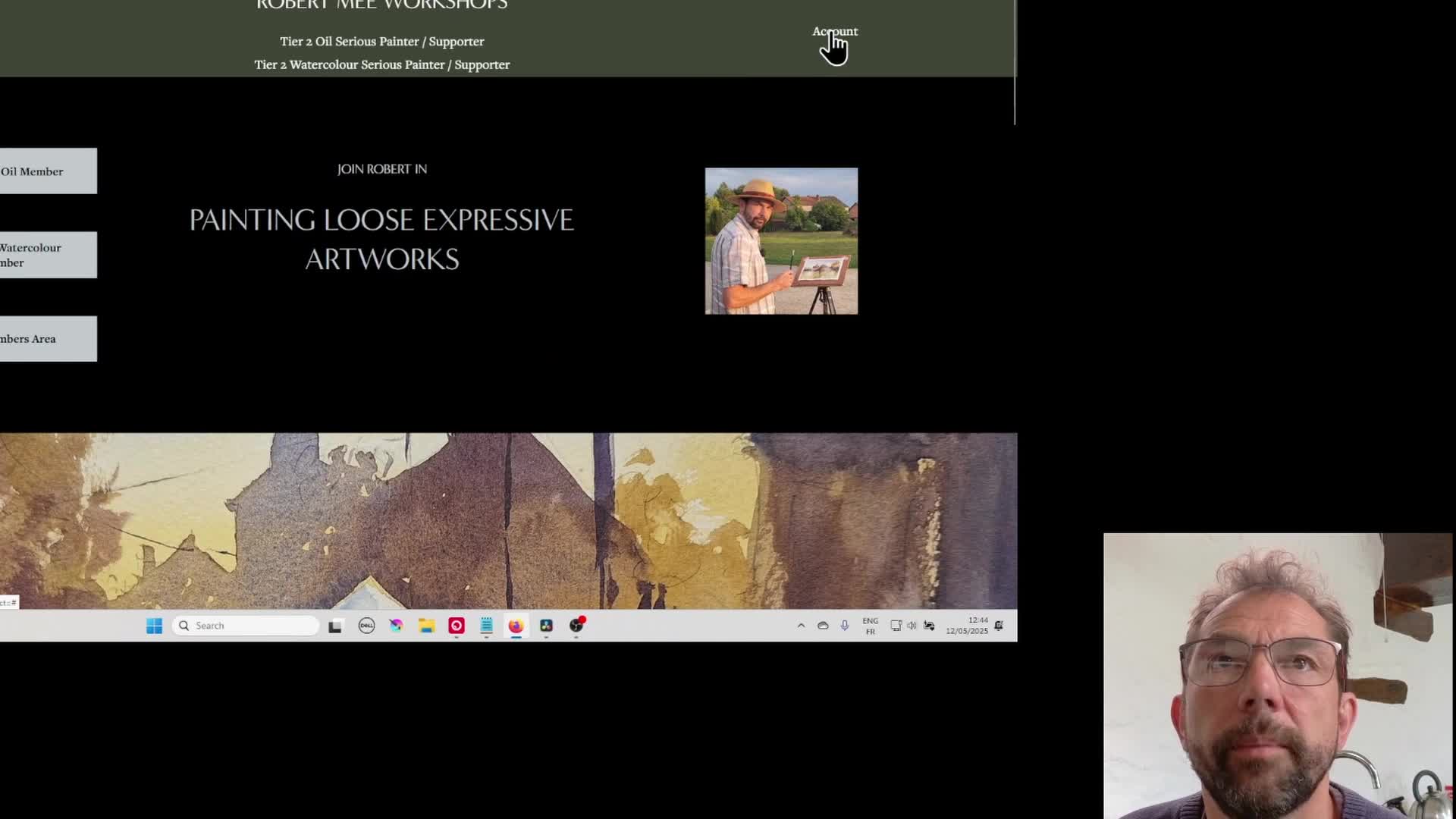
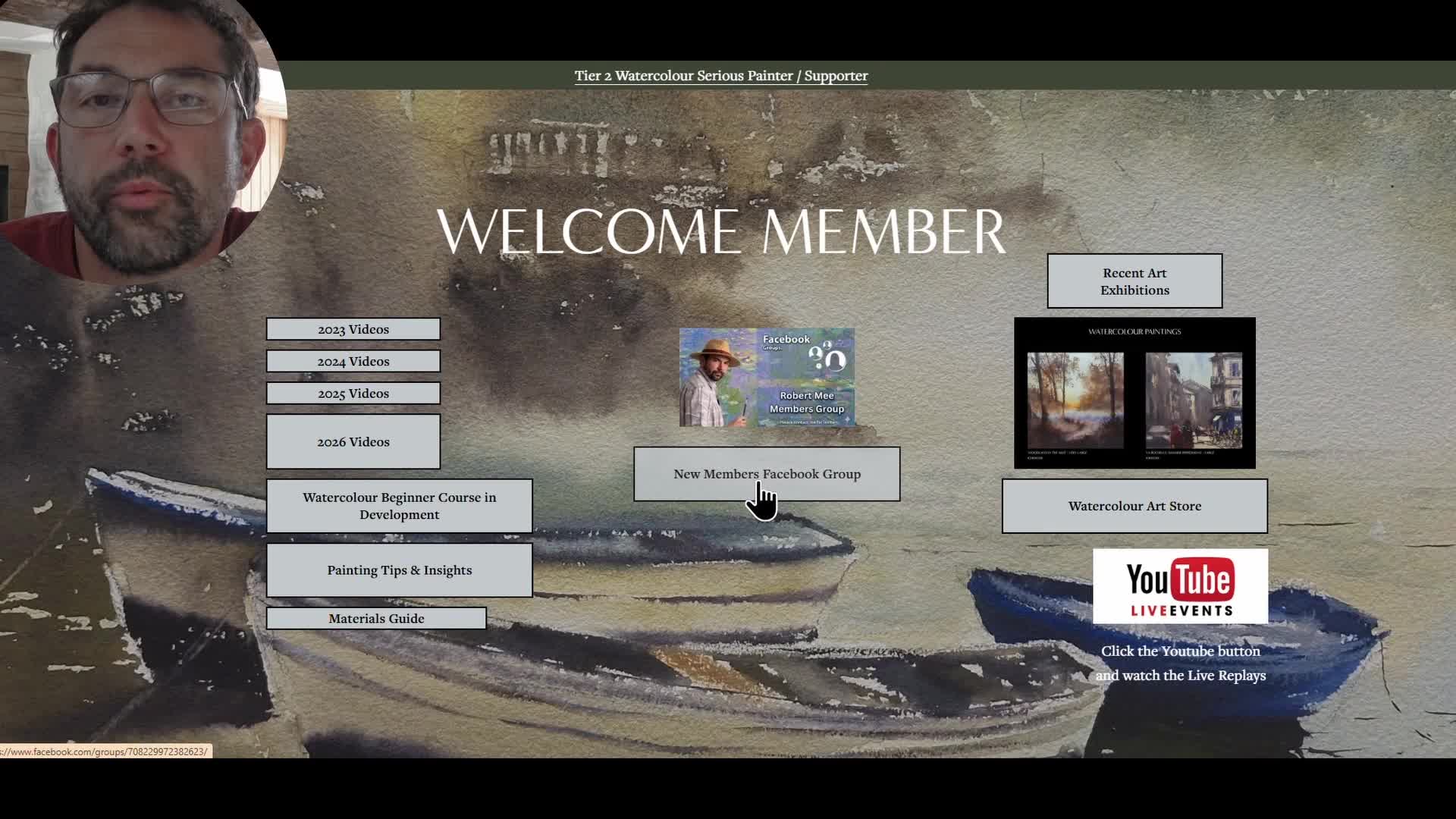
Above is a short video I’ve made in response to a member who mentioned they were struggling to find a video they had been watching on their desktop when trying to locate it again on their mobile or tablet.
At the moment, Squarespace doesn’t have a built-in search function that works across the membership area, so it can be a little tricky to quickly relocate a specific video.
The easiest way I’ve found to solve this is to simply copy the link from the address bar and send it to yourself (by email or message), so you can open it directly on your mobile device later.
I’ve also started adding QR codes to the newer videos, so you can just scan the page on your computer screen with your phone or tablet and go straight to the same video instantly.
One of the nice features of watching the videos on YouTube is that you can also view them on your TV in your living room, so you can sit back and watch in comfort on a big screen. This is also possible with the website videos if you have a smartphone and a smart TV, by casting or screen mirroring. I explain this in the video as well.
I will also gradually work through the older videos and add QR codes where possible, although this will take a bit of time.
Hopefully the video explains it clearly, but if you have any questions at all, just drop them below.
I’m not sure if this is something others have experienced, or if it’s just one member, but I thought it was worth addressing in case anyone else is having the same issue.